
Working at the dining table creates a peculiar problem: your break can happen in exactly the same chair, looking at exactly the same screen. The meeting ends, you open another tab, and the pause disappears into messages. A useful home work break needs a modest boundary, especially when the room must return to family life later.
The goal here is practical: make a short change of activity available without turning it into another assignment. These are ideas for arranging a shared home, not medical or ergonomic treatment. No accessory in this guide has been tested by our editorial team. Read our affiliate disclosure before following any commercial links.
Put the break somewhere else
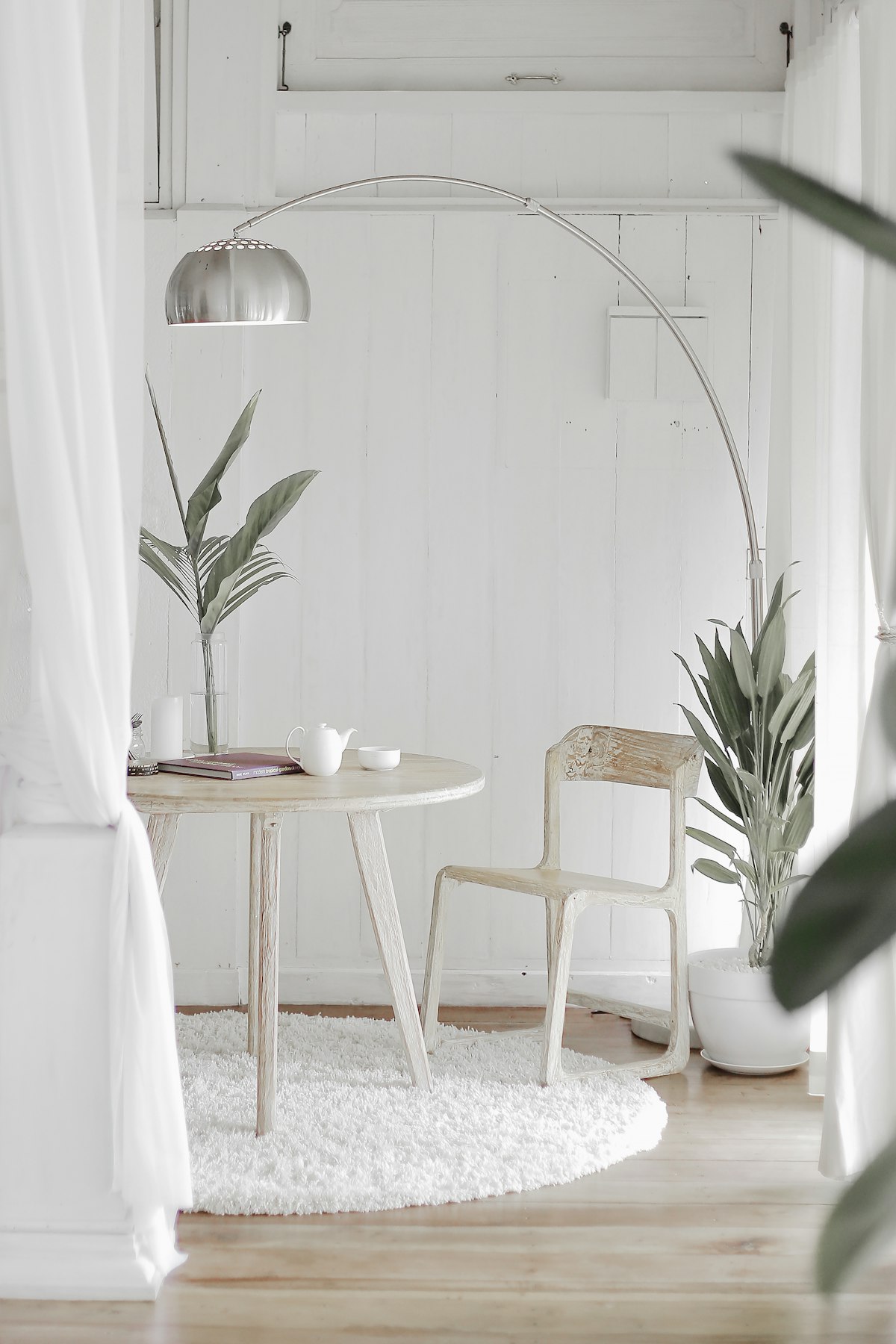
Choose one nearby place that is not your work position. It could be a chair facing a window, a spot on the balcony when conditions permit, or the kitchen counter where you make tea. It does not need an entire room, a meditation cushion or a specially styled corner.
Remove the work material from that place. A spare chair covered in documents is still part of the office. If the home is small, changing your orientation can help mark the difference: turn toward the window rather than continuing to face the laptop.
Think about other people. A shared landing may be a poor choice if someone regularly needs to pass through it. A quiet corner should not become a new obstruction or a source of household negotiations every afternoon.
Decide what a break includes
Choose a simple action that has an end: fill a glass, look outside, read a few pages of a paper book, or step into another room. There is no required duration in this room-planning guide. The useful feature is that the action differs from the work you have just been doing.
Keep the options short. A box with a notebook and a book is easier to use than a drawer packed with ten aspirational hobbies. If picking an activity requires scrolling through suggestions, the phone has already become the centre of the break.
Some people prefer silence; others enjoy music. In a shared home, headphones can be considerate, but they do not address every interruption. Agree on which sounds and activities are reasonable during calls instead of expecting a purchase to resolve conflicting routines.
Use a timer only if it removes friction
A simple timer can be useful when you tend to lose track of the next appointment. Look for an interface you can operate without opening an app. Check whether its alarm can be muted or adjusted if someone else is working nearby.
An attractive mechanical timer may still tick loudly. A digital model may have a bright display or require frequent charging. These details can matter more than the shape that looks best in a desk photograph. Read current specifications and return conditions before committing.
Do not buy a timer if the calendar reminder you already use is adequate. The purpose is to remove an obstacle, rather than create a collection of productivity tools that need their own management.
Useful buys and their limits
| Item | Good reason to consider it | Detail to check | Possible drawback |
|---|---|---|---|
| Simple desk timer | You miss the transition to the next task | Alarm volume and power source | Another device on a crowded table |
| Lightweight tray | Work must move before dinner | Weight with laptop and charger included | Can collect unrelated clutter |
| Small reading lamp | Break chair lacks usable light | Switch access and stable base | Adds a cable to a shared route |
| Lidded storage box | Work papers need a temporary home | Internal width and easy opening | Hidden piles can grow unnoticed |
Buy for the transition that causes trouble. If packing away is the issue, a lightweight tray may contribute more than a premium desk accessory. If you cannot leave work because you cannot find the next document, better filing may be the first task.
Create a return point
Before stepping away, write a short note saying what comes next. “Reply to the delivery question” is more useful than “finish project”. Keep it beside the keyboard. Returning to a specific action can make the pause feel less like abandoning an unfinished pile.
Do not use the note to create a long list of everything still outstanding. It is a marker, not a complete plan. If your work requires a longer handover or security procedure, follow that instead.
At the end of the workday, return the table to its other purpose. Put the charger, headset and notebook in the same container. Leaving one decorative object in view is different from leaving a laptop open through dinner.
Adapt the idea to a noisy household
If the quiet window is unpredictable, make the break portable. A book and water glass can move to another chair more easily than a fixed installation. Agree with housemates on an ordinary signal for calls and focused work, but allow shared rooms to remain shared.
There may be days when a short pause consists only of getting a drink. That still counts as using the system. A routine that only works in a silent, empty home is poorly matched to a busy one.
Common questions
Do I need a separate home office?
No. Clear transitions can be useful at a dining table or small desk. The available space should determine the setup.
Should I buy noise-cancelling headphones?
Consider them if your actual task and household conditions justify the cost. Check comfort, controls and return terms; marketing cannot tell you how a specific pair will feel on your head.
What if I keep checking my phone?
Leave it at the work position for a break activity that does not require it, if doing so fits your responsibilities. The arrangement should remain practical for anyone who needs to be reachable.